Create a League
Begin creating your league with pickled.love.
Creating a league in pickled.love is a straightforward process that takes just a few minutes. This guide will walk you through each step of the league creation process.
Prerequisites
Before you begin, you'll need to create a pickled.love account. You can create your account here.
Creating Your League
Once you're signed in to your account, simply click the "Host a League" link in the navigation menu.

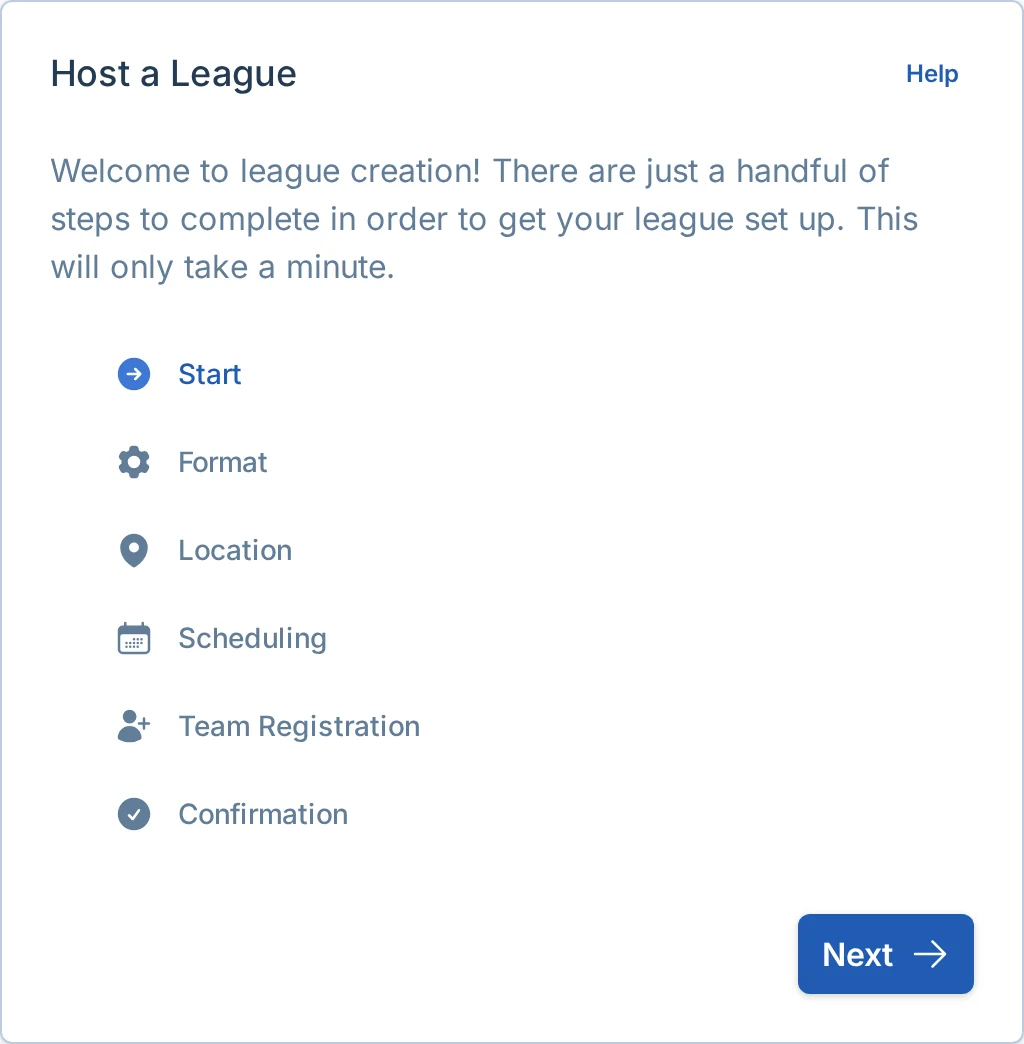
You'll be taken to the league creation wizard, which looks like this:
Next Steps
The app will guide you through several important settings for your league. Click the "Next" button to proceed to the Format settings, where you'll configure the structure of your league.